
One campaign instead of dozens of messages: collecting members' winning tickets
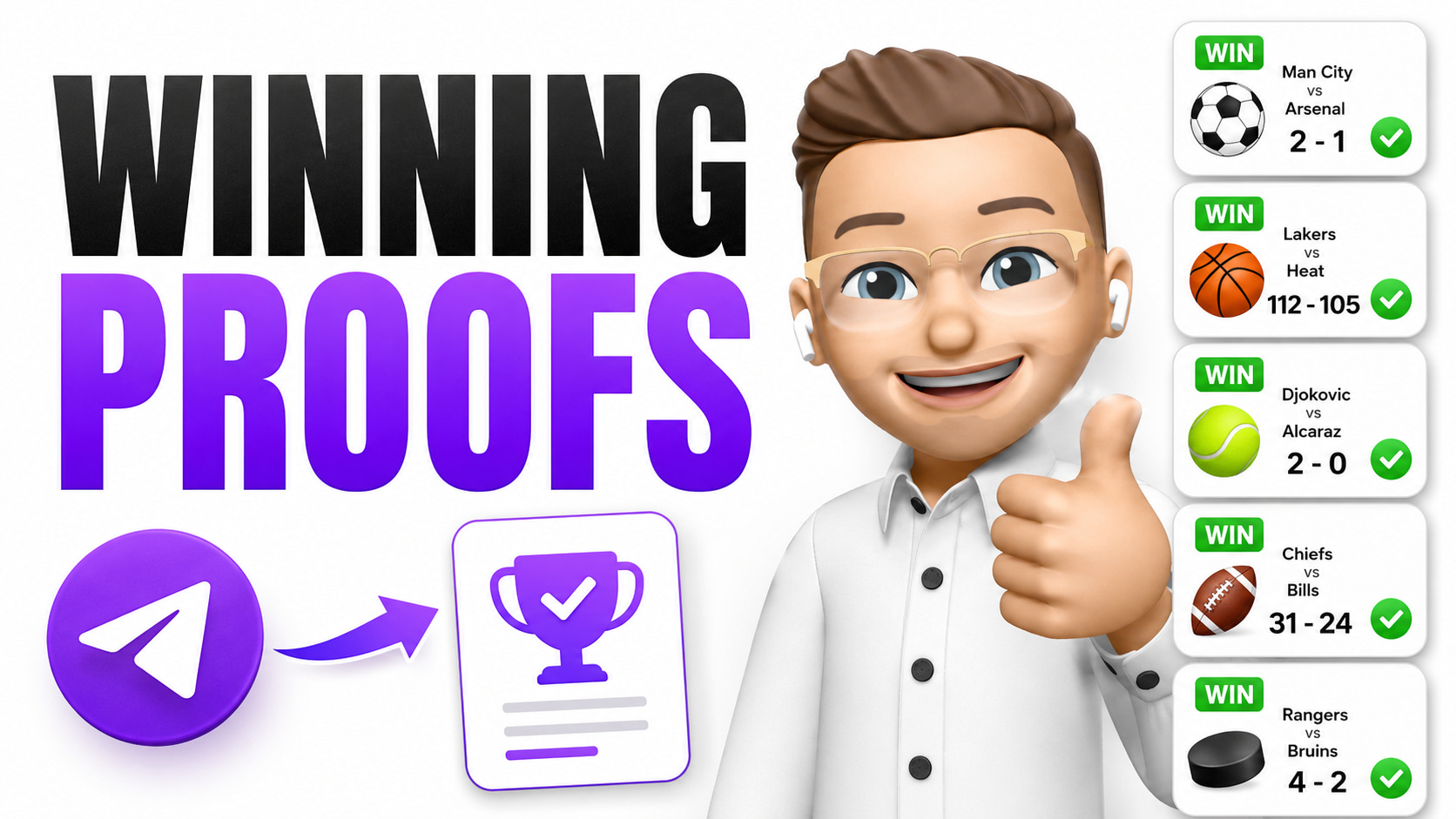
After every winning ticket we want screenshots of the wins from our members. We then use them as the project's results, as proof in sales campaigns, and as content for the Telegram channel.
I used to have to ask people one by one through support. With a small group that was still manageable — but once the paid groups had tens or hundreds of members, it meant opening one conversation after another and sending the same message over and over.
These days I create one targeted campaign instead. It goes only to the members who actually received that winning ticket, and every reply comes back to one place in the support inbox.
1. Each membership group has its own tag
I run several paid groups in my Telegram bot, and each of them gets different tips. To keep members apart, every group has its own tag:
- VIP FOOTBALL
- HIGH ODDS
- MLB GROUP
- PREMIUM MEMBERS
When someone joins a particular membership, they get the matching tag. So I know exactly which group they belong to and which tips they receive.
Which means I don't have one long list of everybody in the bot — every member is filed under their actual membership.
2. Each group gets its own tips
I send tips to members through the bot, and each group only gets content meant for it. When I send a ticket to the HIGH ODDS group, only users with that tag receive it.
Until the ticket is settled there's nothing else to do. The interesting part comes when it wins.
3. After a win I create one campaign
Instead of messaging members one by one, I create a single new campaign in TG Flows. The message is something like:
That's a win ✅
Did you back today's ticket? Send us a screenshot or a link to your winning ticket right here in the chat 👇
We share the best wins as our clients' results 🤝
When sending it, I set it to reach only users tagged with the group that got the winning ticket. So if the ticket came from HIGH ODDS, the campaign goes only to people tagged HIGH ODDS.
4. I don't bother anyone else
The message doesn't go to members of other paid groups, users of the free bot, former members, or anyone who never received that ticket.
If I sent the same message to everyone, some people wouldn't even know which ticket I was talking about. The campaign wouldn't be relevant to them and would come across as pointless spam.
Filtering means I only reach the people the win actually concerns.
5. Members reply straight into the bot
Once the campaign lands, members can send straight into the chat:
- a screenshot of the winning ticket
- a link to the ticket
- the amount they won
- a short reaction or piece of feedback
Every reply shows up in the support inbox. I don't have to go through a member list, look people up or open dozens of conversations — I send one targeted campaign and handle all the responses in one place.
6. Winning tickets become proof
The collected tickets then work as content that builds trust in the project. I can use them:
- in the main Telegram channel
- in sales campaigns
- as proof alongside other offers
- in the results of the paid membership
- on social media
Members end up creating the content that confirms the project's results and helps sell the next offer.
7. The whole thing takes a few minutes
The system works like this:
A member joins a paid group
→ they get the matching tag
→ they receive tips regularly
→ a ticket wins
→ I send one targeted campaign
→ members send in their wins
→ I use the results as proof
No complicated automations, no contacting each member by hand. Tags, targeted campaigns and the support inbox are enough.
The upshot is that one campaign reaches the whole right group, nobody has to be looked up individually, and the winning tickets collect in one place by themselves.
What used to mean dozens of separate messages is now a job that takes a few minutes.
Related articles
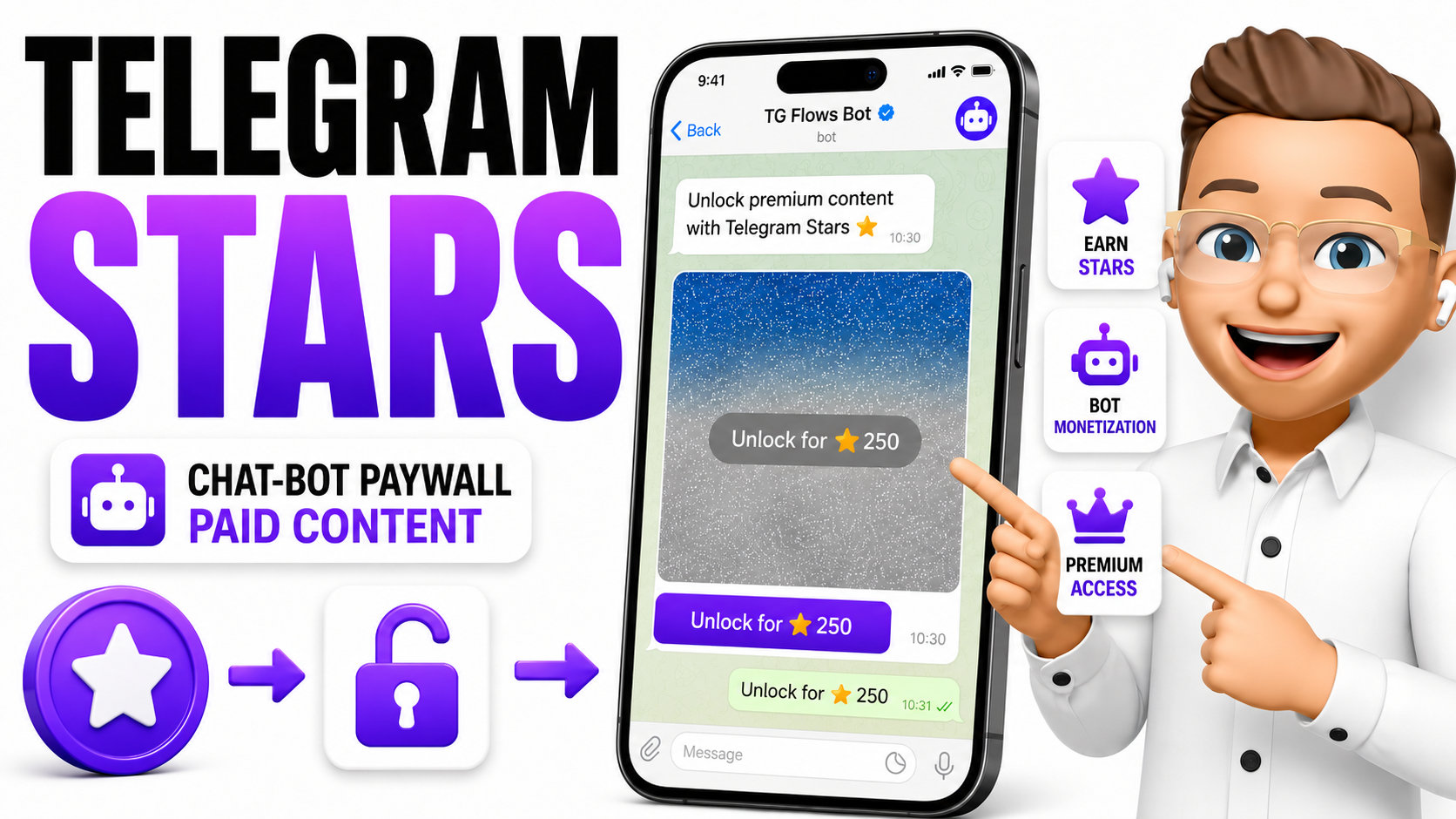
How to sell premium content in a Telegram chatbot with Telegram Stars
A paywall that lives inside a private chat: a locked photo or video, one button, and Telegram handles the payment itself. Every Star lands on your bot's own balance — TG Flows takes no cut. Send the offer from an automation, a campaign, or to a tagged segment.

How I turned a Telegram bot into a permanent sales menu that sells all day
One menu that never changes and scenarios that change every day. A guide to building a sales system inside a bot: product buttons, campaigns feeding the same scenarios, and old offers that delete themselves.
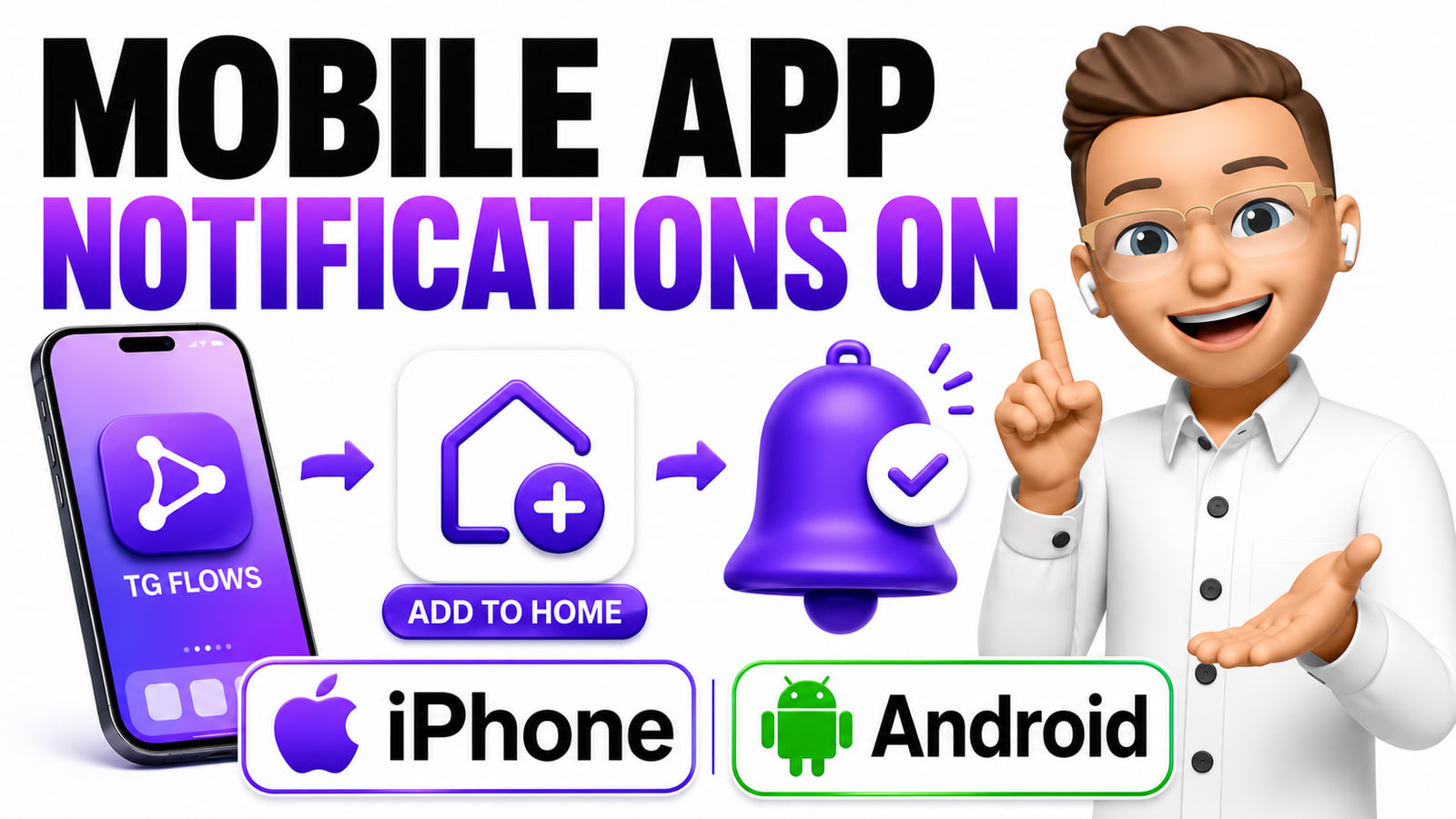
How to add TG Flows to your phone as an app and turn on notifications
Install TG Flows on your home screen like a normal app and switch on push notifications. Step by step for iPhone and Android — no App Store, no Google Play.